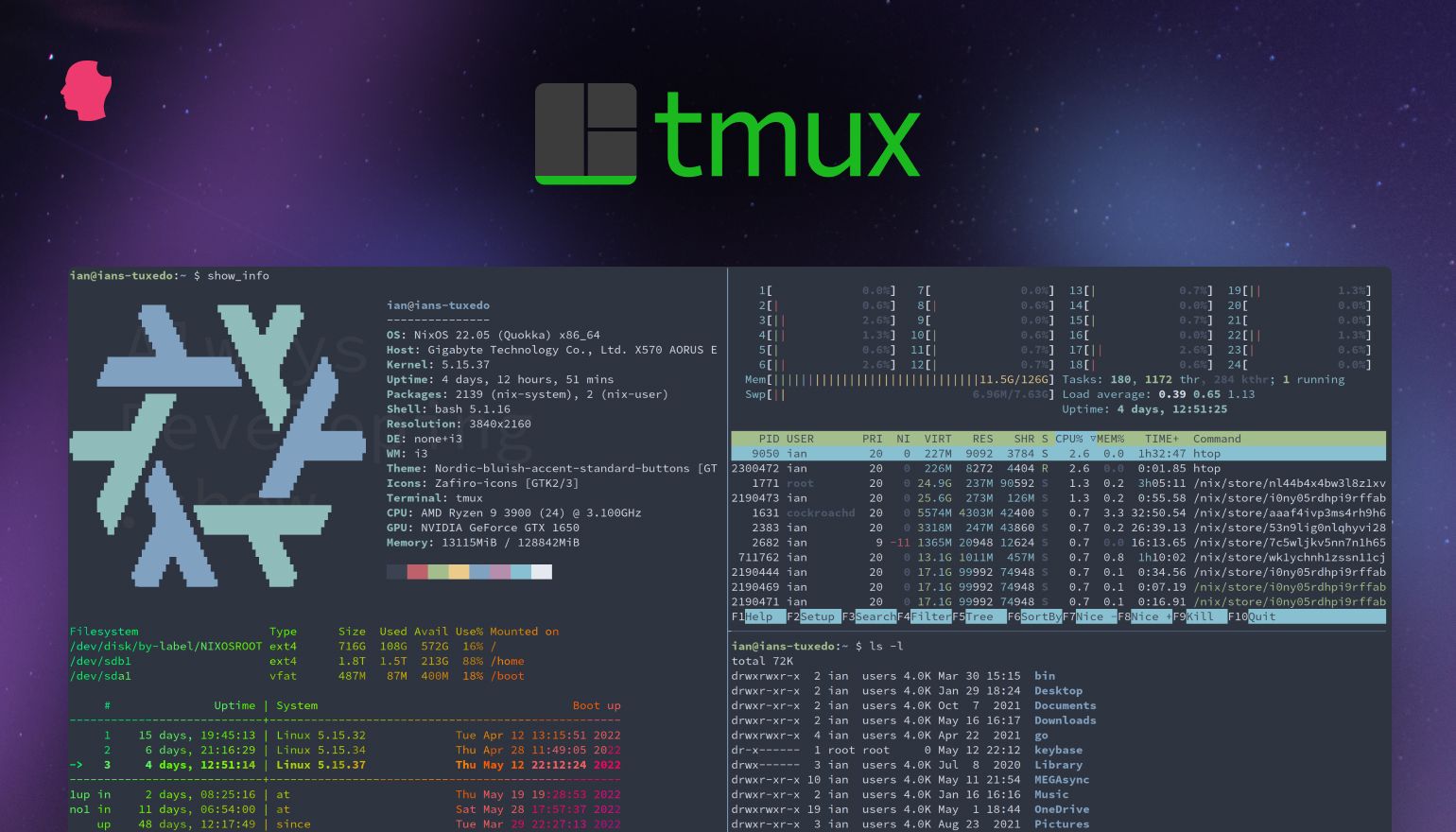
快捷键使用说明h3
一个常见的误区:Ctrl+b d 分离会话时需要先按 Ctrl+b 并松开,然后再按 d,而不是同时按下所有键。
完整配置方案h2
一、安装依赖h3
# 安装 fzf (模糊查找工具)brew install fzf$(brew --prefix)/opt/fzf/install
# 安装 tmuxbrew install tmux
# 安装 Oh My Zsh (可选,用于 shell 增强)sh -c "$(curl -fsSL https://raw.githubusercontent.com/ohmyzsh/ohmyzsh/master/tools/install.sh)"
# 安装 TPM (tmux 插件管理器)git clone https://github.com/tmux-plugins/tpm ~/.tmux/plugins/tpm
二、tmux 配置 (~/.tmux.conf)h3
基础设置h4
# 启用鼠标支持set -g mouse on
# 历史记录行数set -g history-limit 10000
# 窗口和面板索引从 1 开始set -g base-index 1setw -g pane-base-index 1
# 减少按键延迟set -s escape-time 0
# 终端颜色支持set-option -g default-terminal "screen-256color"状态栏美化h4
# 状态栏样式set -g status-style bg=black,fg=whiteset -g status-left-length 30set -g status-right-length 150
# 左侧显示:会话名称set -g status-left "#[fg=green]#S #[fg=yellow]|#[default]"
# 右侧显示:日期时间set -g status-right "#[fg=cyan]%Y-%m-%d %H:%M:%S#[default]"插件管理h4
# TPM 插件列表set -g @plugin 'tmux-plugins/tpm'set -g @plugin 'tmux-plugins/tmux-sensible'set -g @plugin 'tmux-plugins/tmux-resurrect'    # 会话保存/恢复set -g @plugin 'tmux-plugins/tmux-continuum'    # 自动保存会话
# 自动保存/恢复配置set -g @continuum-restore 'on' # 启动时自动恢复set -g @continuum-save-interval '5' # 每 5 分钟自动保存自定义快捷键h4
# 修改前缀键为 Ctrl+aunbind C-bset-option -g prefix C-abind-key C-a send-prefix
# 分割窗口快捷键bind | split-window -h    # 垂直分割bind - split-window -v    # 水平分割
# 重载配置文件bind r source-file ~/.tmux.conf \; display-message "Config reloaded!"
初始化 TPMh4
# 必须放在配置文件末尾run '~/.tmux/plugins/tpm/tpm'提示:首次使用时,进入 tmux 后按
Ctrl+a+I(大写) 安装所有插件。
三、智能命令别名 (~/.zshrc)h3
基础命令别名h4
# 常用命令简化alias t='tmux' # 启动 tmuxalias tn='tmux new -s' # 创建新会话alias ta='tmux attach -t' # 附加到会话alias tls='tmux ls' # 列出会话alias tk='tmux kill-session -t' # 删除会话alias tka='tmux kill-server' # 关闭所有会话alias tr='tmux rename-session -t' # 重命名会话alias tw='tmux new-window -n' # 创建新窗口alias tl='tmux list-windows' # 列出窗口alias td='tmux detach' # 分离会话智能会话管理 (集成 fzf)h4
# 智能附加/创建会话tma() {    # 检查是否在交互式终端中    if [ ! -t 1 ]; then        echo "❌ 当前环境不是交互式终端,无法使用 fzf 选择"        echo "请在终端中运行 tma 命令"        return 1    fi
# 无参数时使用 fzf 选择会话 if [ -z "$1" ]; then local session session=$(tmux ls 2>/dev/null | awk -F: '{print $1}' | fzf --height 40% --reverse --border) if [ -n "$session" ]; then tmux attach -t "$session" else echo "未选择任何 tmux 会话" fi else # 有参数时尝试附加,失败则创建新会话 tmux attach -t "$1" 2>/dev/null || tmux new -s "$1" fi}快速切换窗口h4
# 使用 fzf 快速切换窗口tmw() {    # 检查是否在交互式终端中    if [ ! -t 1 ]; then        echo "❌ 当前环境不是交互式终端,无法使用 fzf 选择窗口"        echo "请在终端中运行 tmw 命令"        return 1    fi
    # 确认是否在 tmux 会话中    if [ -z "$TMUX" ]; then        echo "⚠️ 当前不在 tmux 会话中,请先进入 tmux 再使用 tmw"        return 1    fi
    # 获取窗口列表并使用 fzf 选择    local target    target=$(tmux list-windows -F '#I: #W' | fzf --height 40% --reverse --border)
if [ -n "$target" ]; then local win_id win_id=$(echo "$target" | cut -d: -f1 | tr -d ' ') tmux select-window -t "$win_id" else echo "未选择任何窗口" fi}会话保存与恢复h4
# 手动保存/恢复会话alias tsave='tmux run-shell ~/.tmux/plugins/tmux-resurrect/scripts/save.sh'alias trestore='tmux run-shell ~/.tmux/plugins/tmux-resurrect/scripts/restore.sh'常用会话快捷方式h4
# 快速进入预定义会话alias tdev='tmux attach -t dev || tmux new -s dev'alias twork='tmux attach -t work || tmux new -s work'alias tplay='tmux attach -t play || tmux new -s play'FZF 增强配置h4
# FZF 默认选项export FZF_DEFAULT_OPTS='--height 40% --reverse --border --preview-window=down:3:hidden:wrap'
# FZF 文件搜索命令 (需要安装 fd)export FZF_CTRL_T_COMMAND='fd --type f --hidden --follow --exclude .git'使用示例h2
# 创建或附加到名为 "work" 的会话tma work
# 不带参数时弹出 fzf 选择器tma
# 在 tmux 会话中使用 fzf 快速切换窗口tmw